The full answers to the six questions everyone asks, in the same order as the homepage — with the screens and the slides to show for it.
Every other signage company hands you an empty canvas and wishes you luck — that’s why most screens play the same four slides from 2023. Here you answer a few plain questions, or snap a photo of a flyer, and the slide is built for you: artwork, layout, words placed right.

…and what comes out the other end:
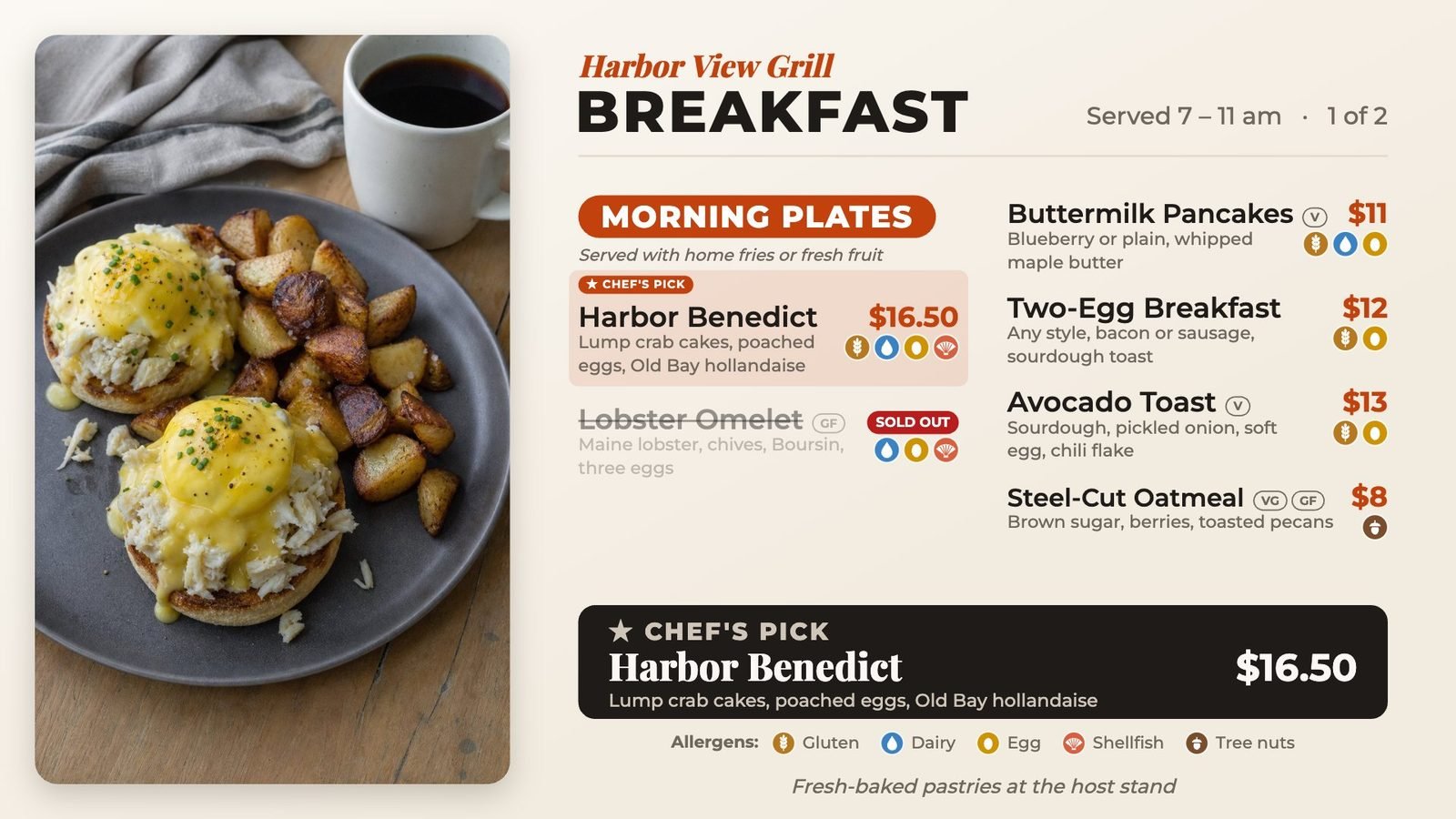

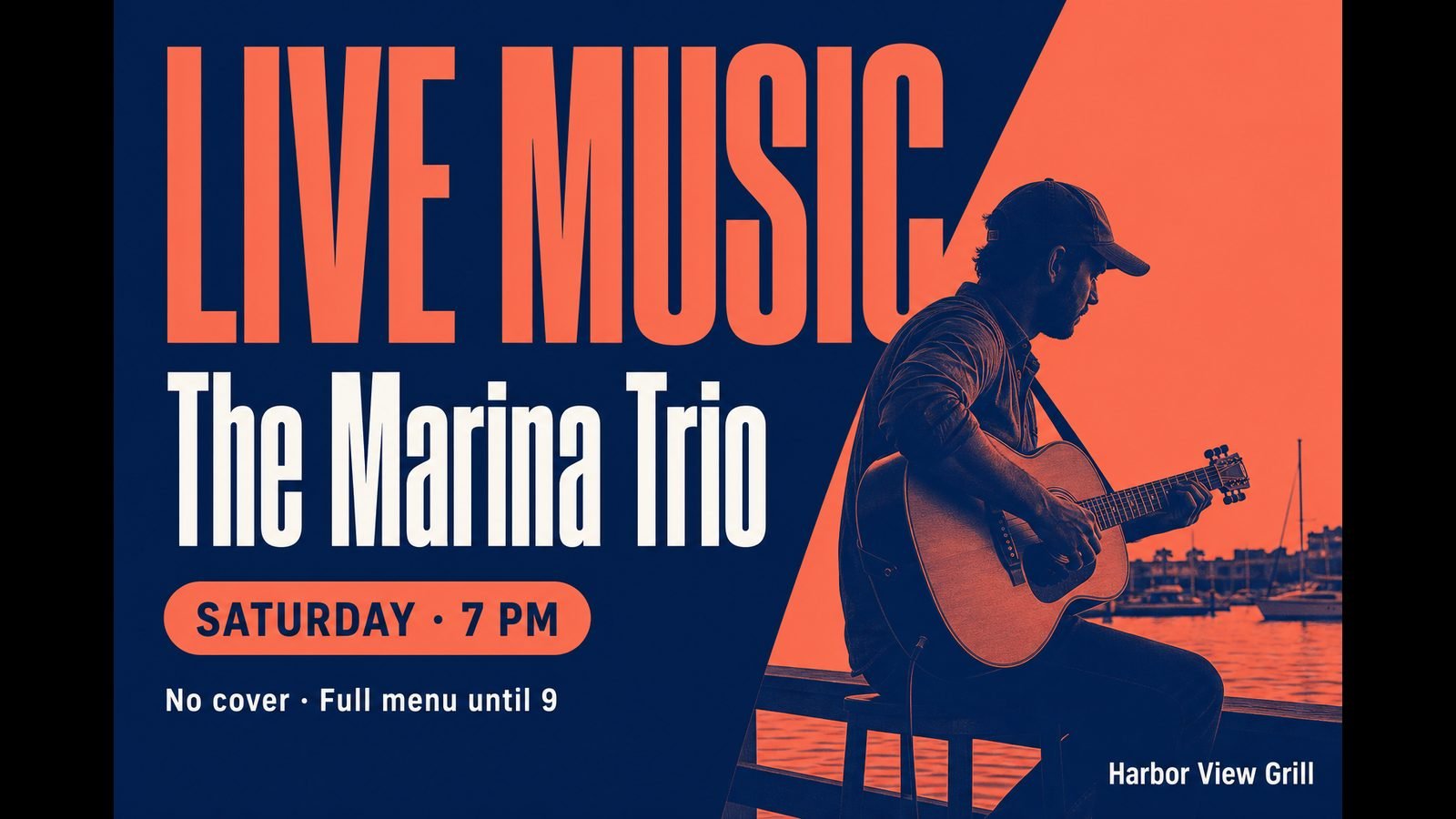
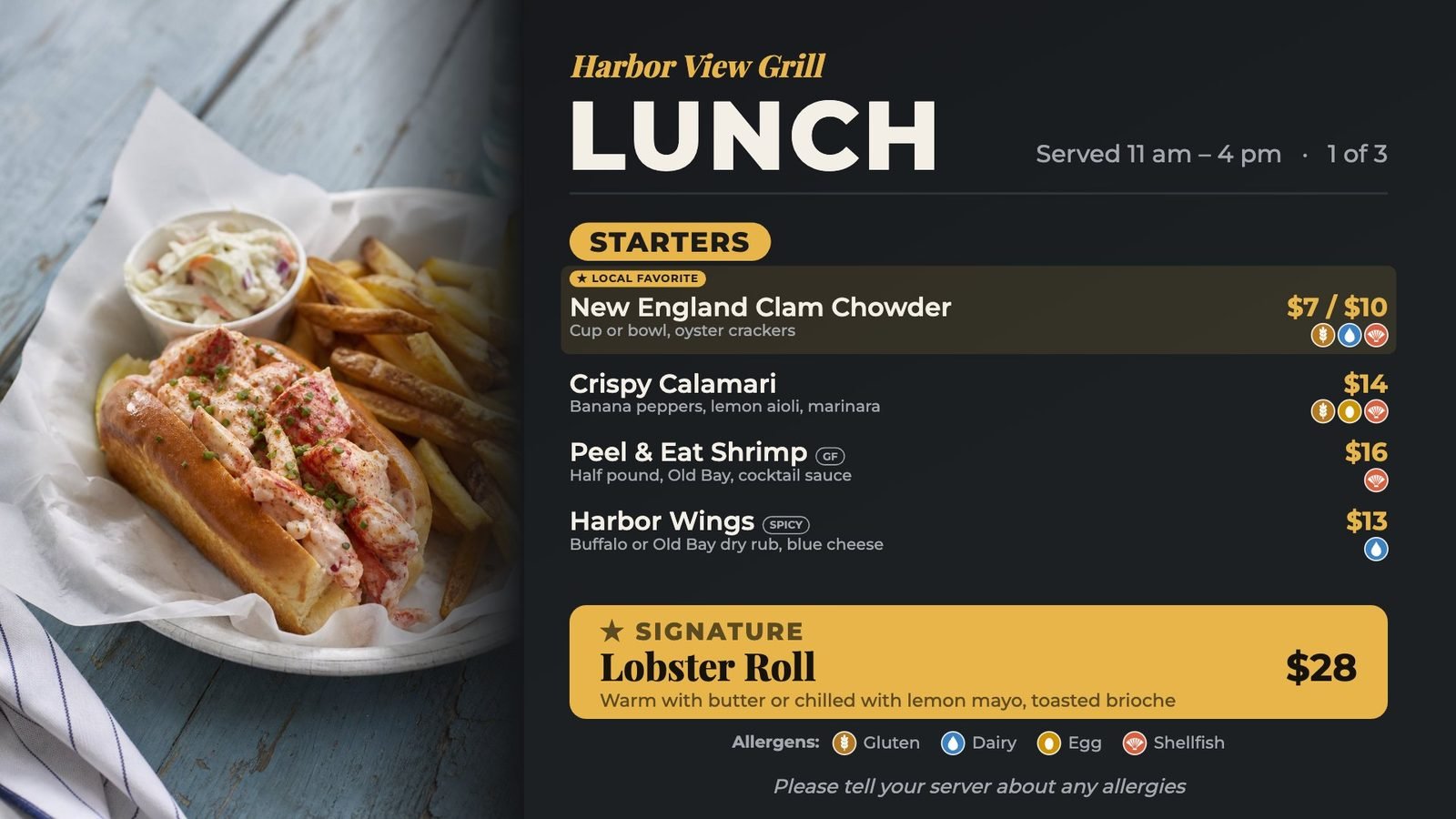
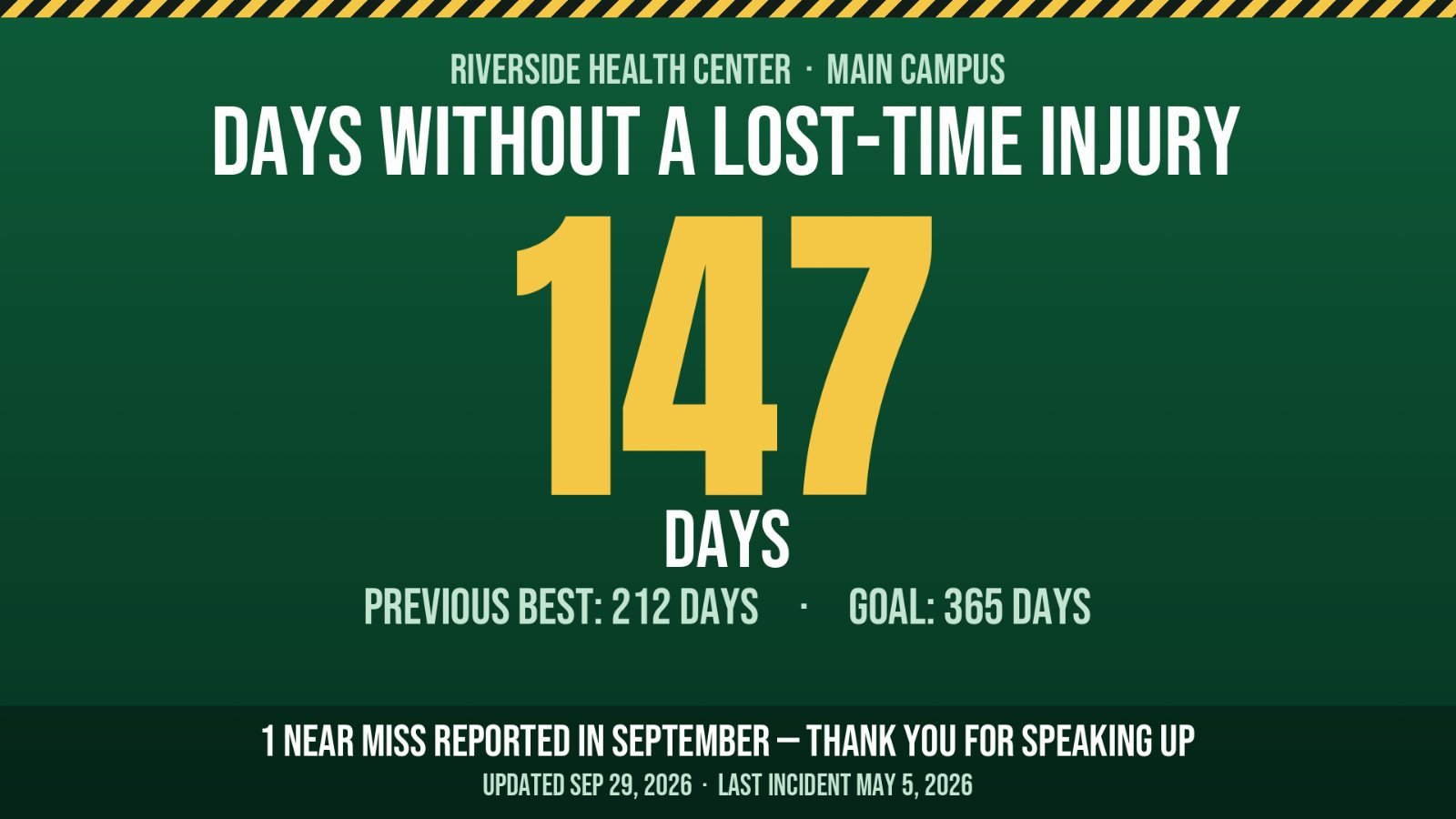
A restaurant needs menus that keep up with the kitchen. A plant needs proof the safety message ran. A post needs Queen of Hearts results by Saturday night. Tell the app what kind of place you are and the right tools are waiting — in every plan.
What the screens look like, place by place:
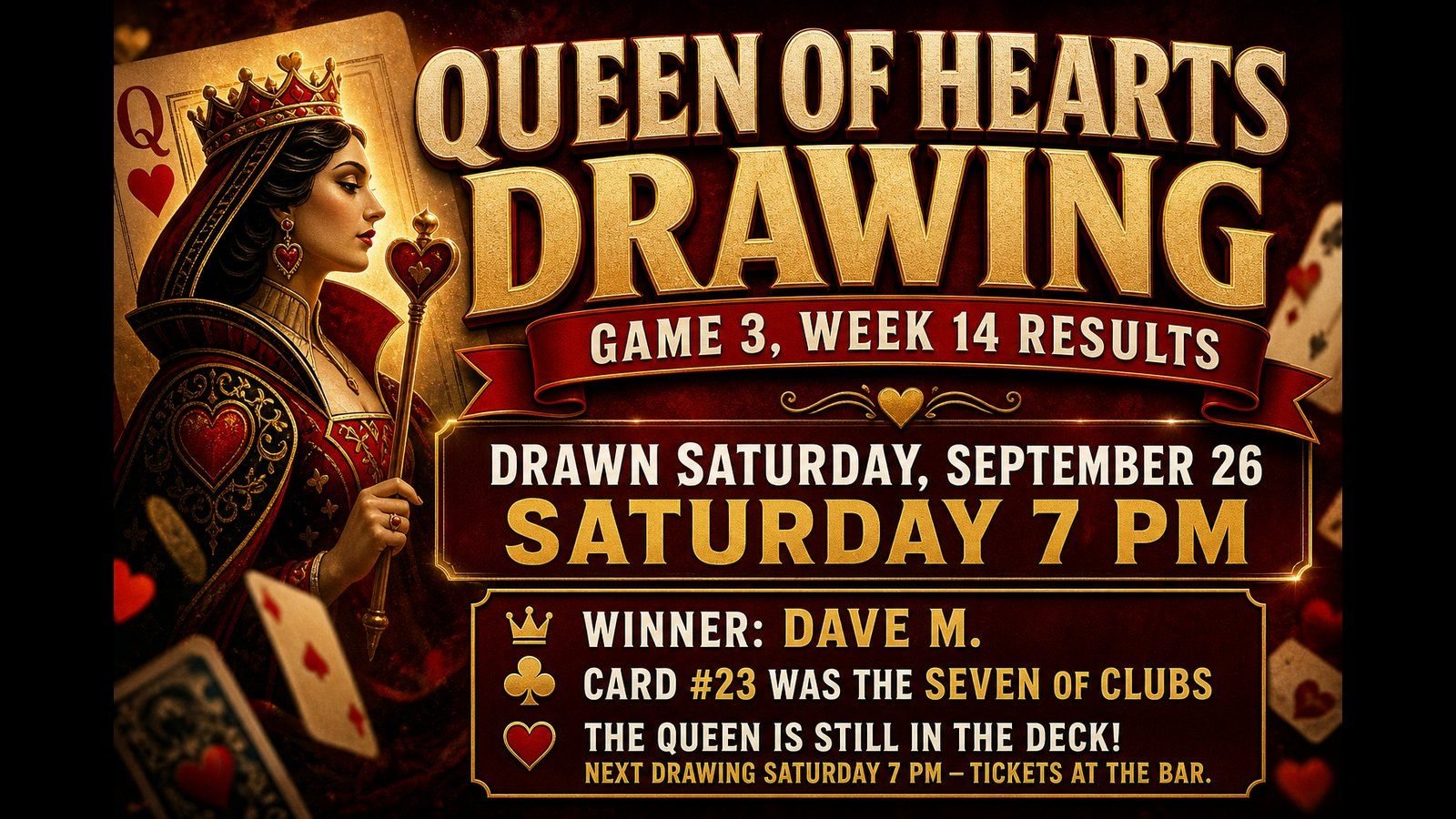
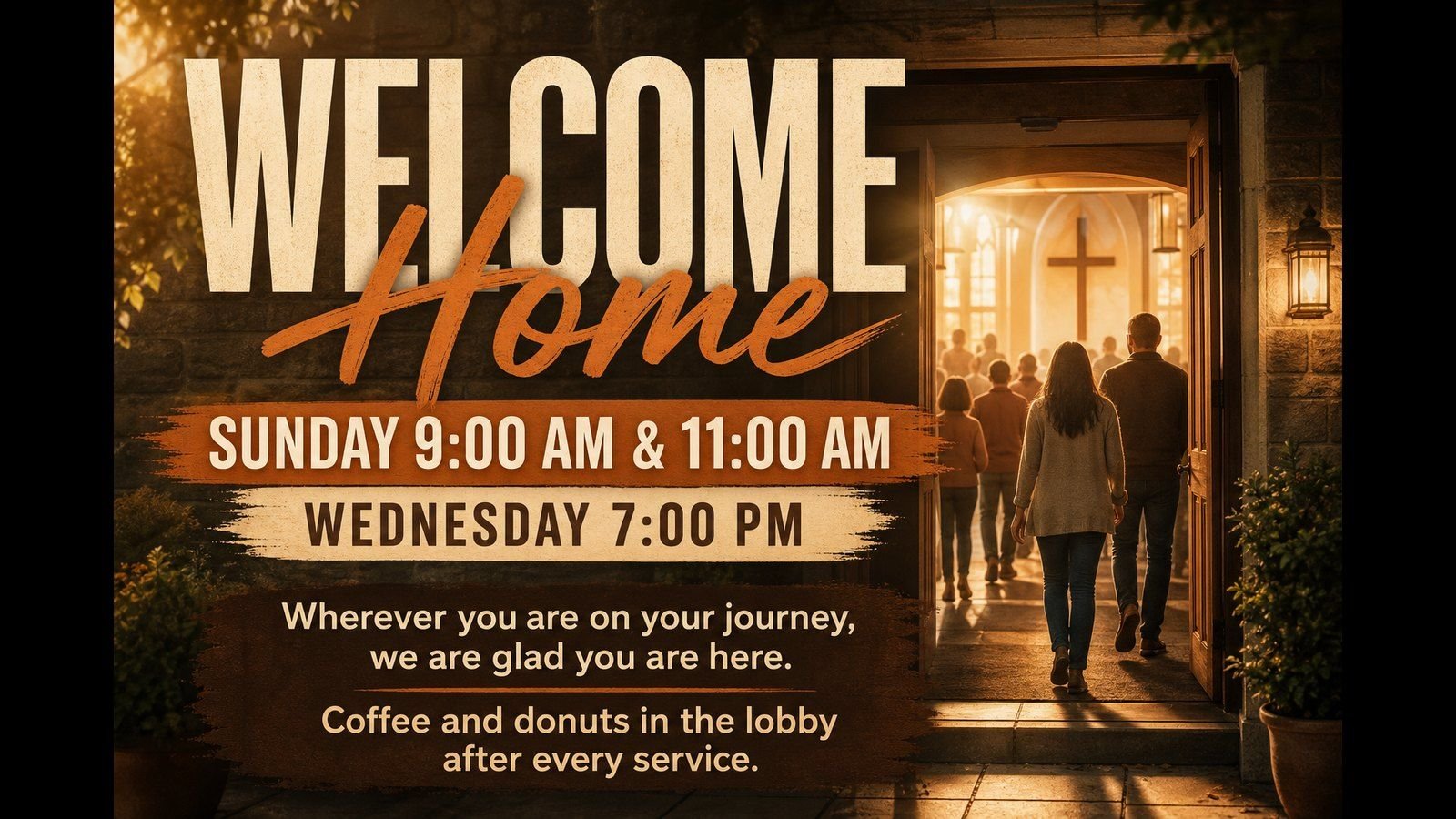

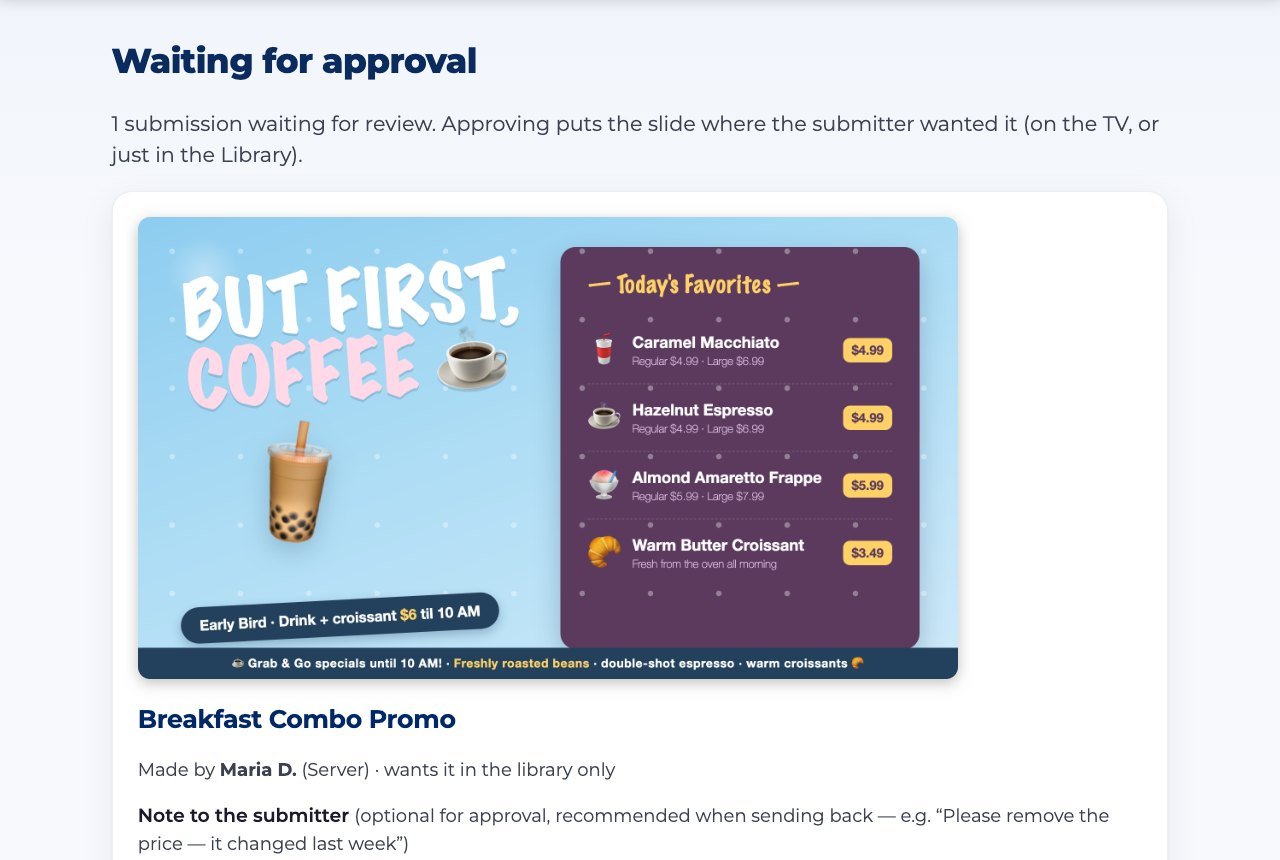
Last month’s flyer still playing is what happens when keeping screens current is somebody’s fourth priority. Here nothing reaches a TV until the right person says so, and slides start and retire on the calendar you set.
Signage quotes usually turn into a capital expense: their panels, their players, their installer. Your TVs are already on the wall. Pair one with a short code and it starts playing.

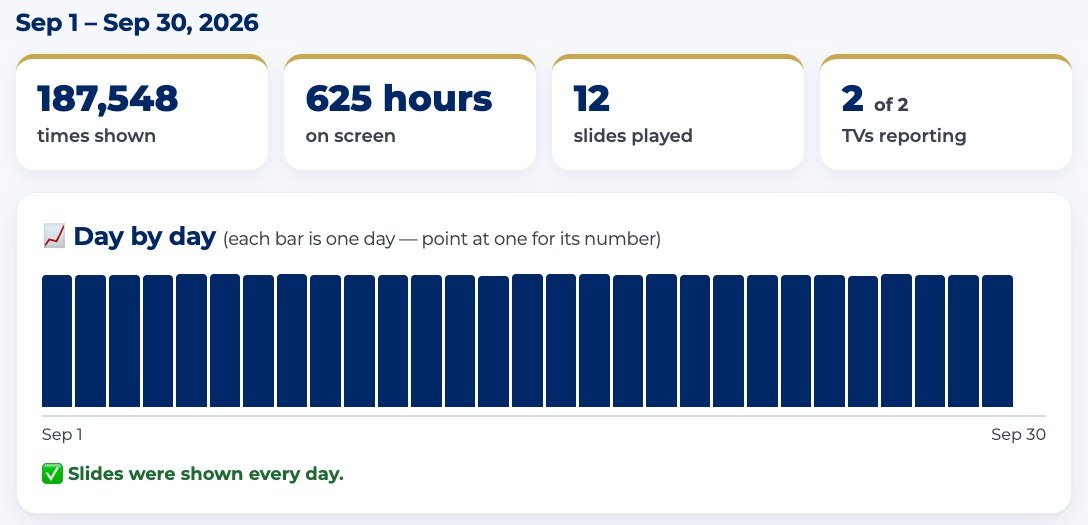
Sooner or later somebody asks — an inspector, a board, a sponsor who just wrote you a check. Most signage plays your content and forgets it. Ours counts on every screen, automatically, so the answer is a report, not “I think so.”
Your place has a name, a crest and its own way of doing things. Nearly everything your people see is yours to set — from the dashboard, in plain words, with no support ticket.
Same app — each place’s own look:
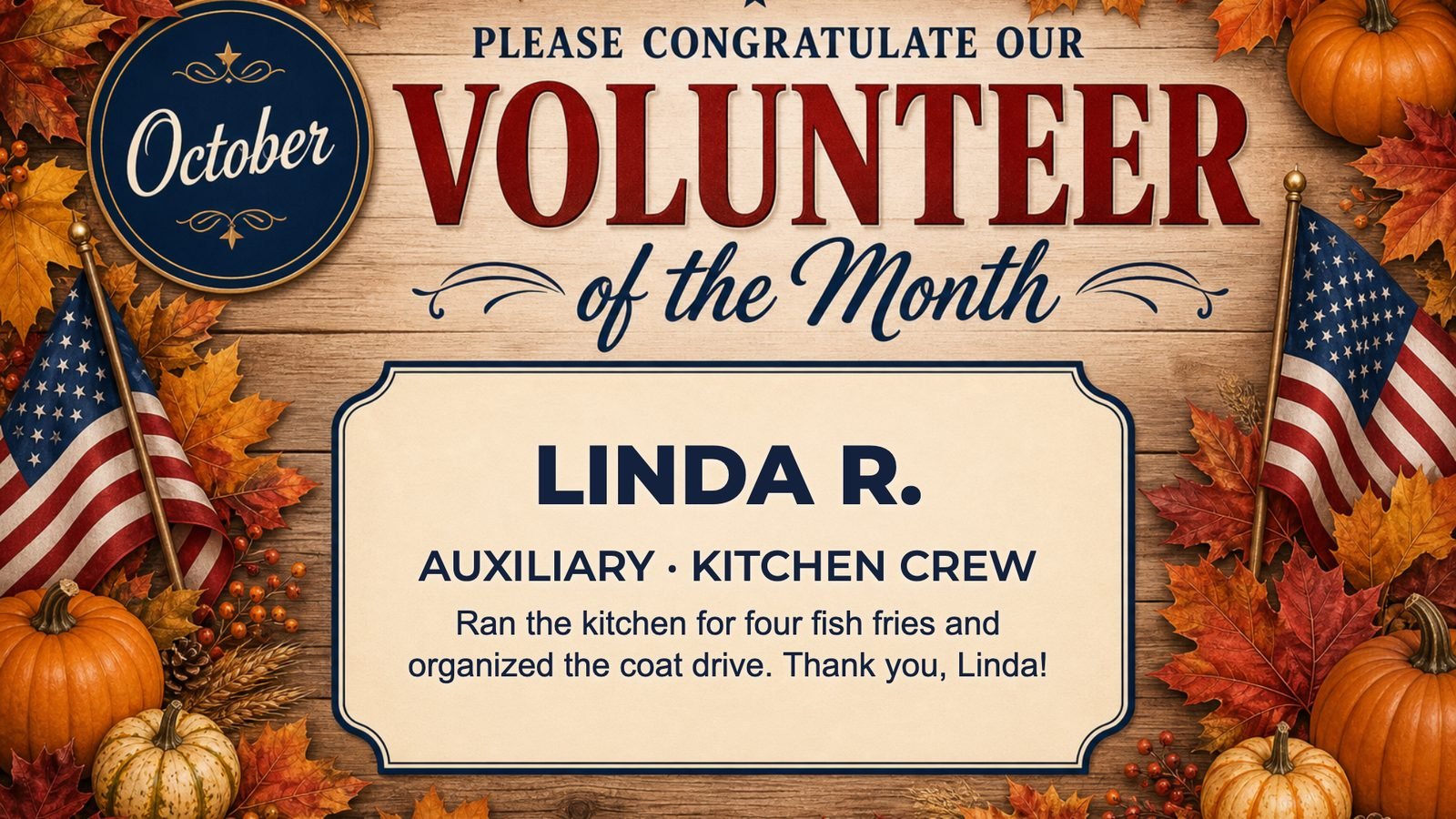
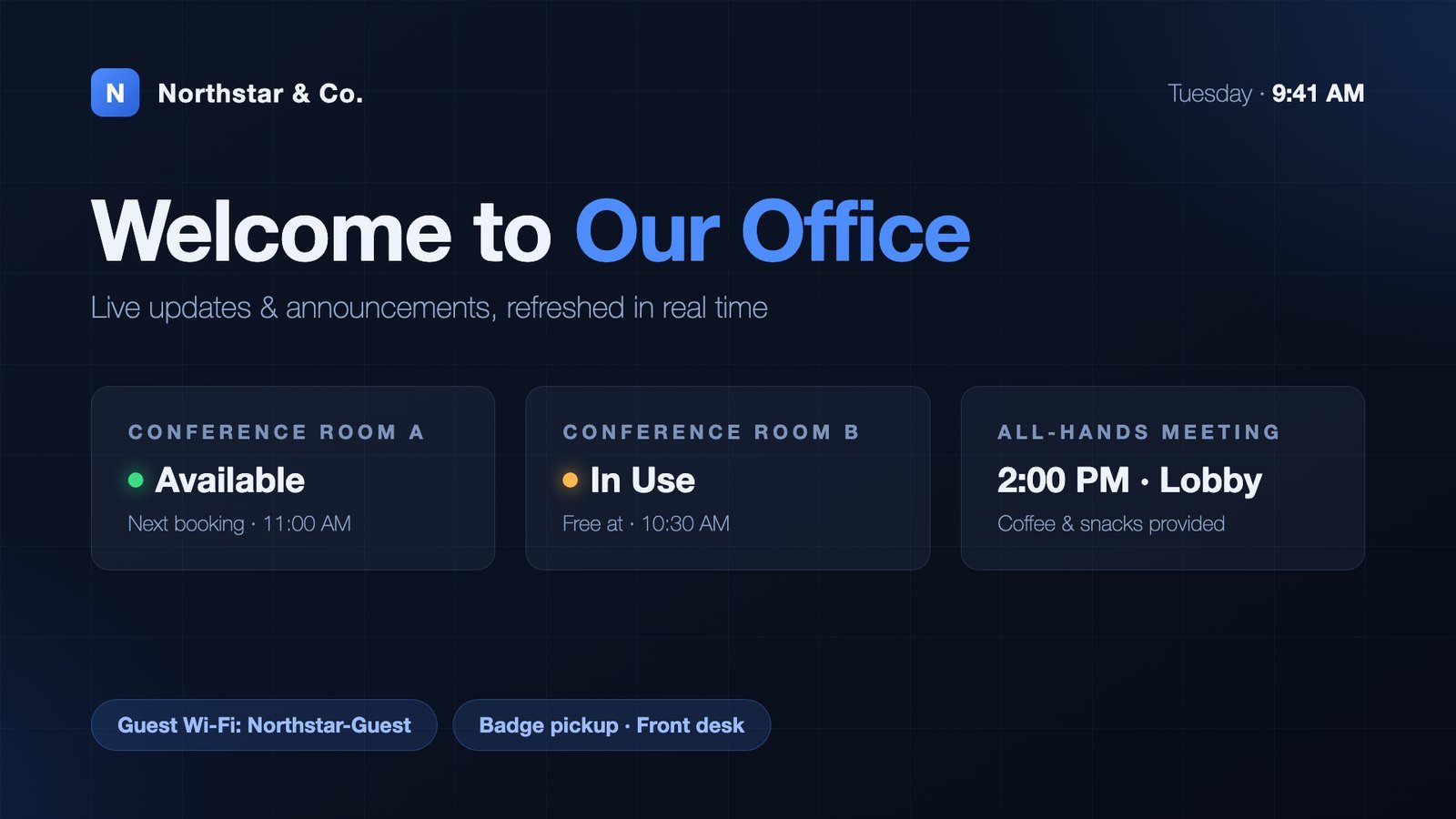
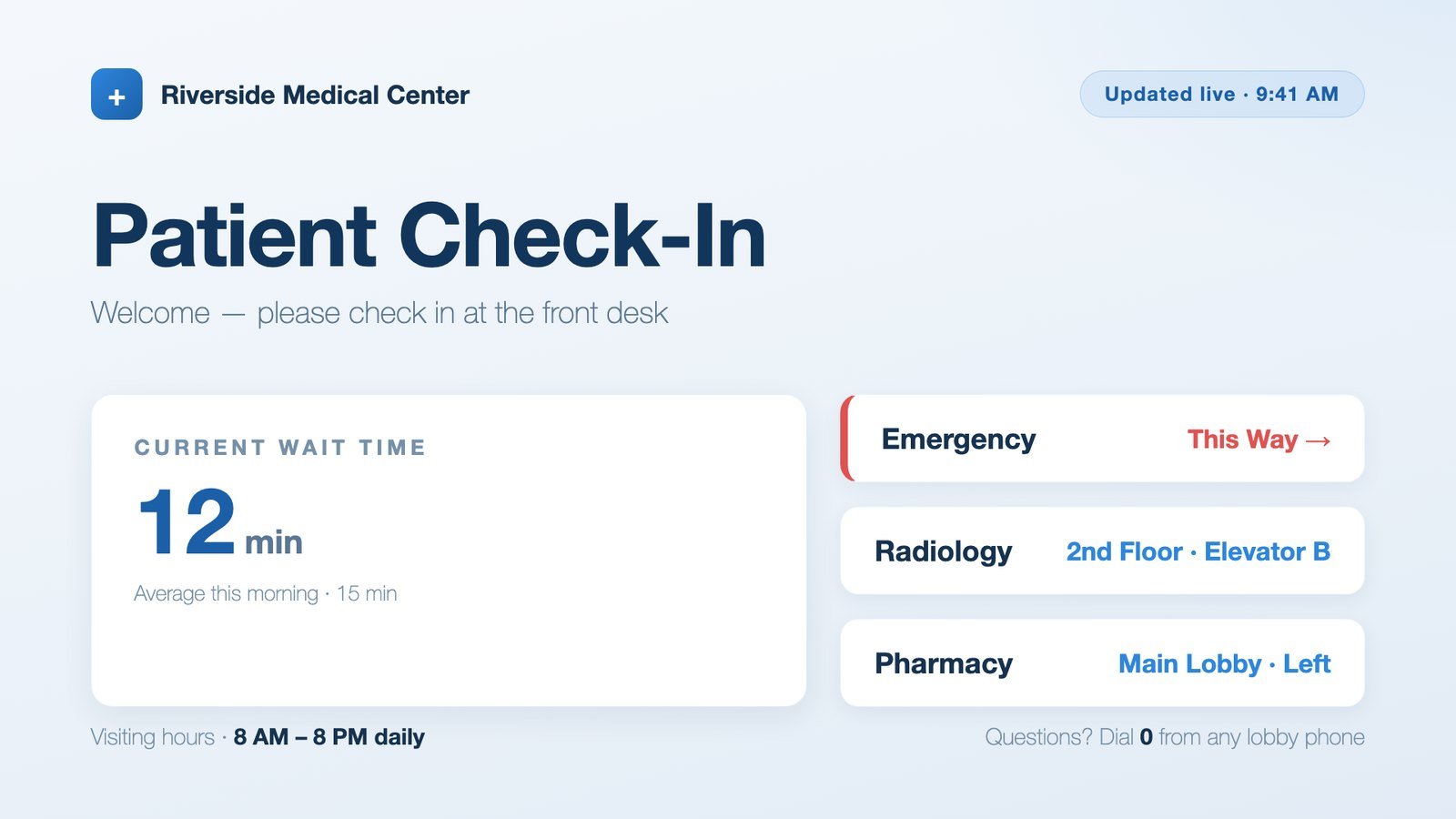
Set your colors and look once and they carry across the app and the slides your people build — and our name and logo never appear on your slides.
Your logo, your colors and your name on the page your team signs in to. Share the link or print the QR code — it's the page they bookmark.
Upload the crest, the unit emblem, the sponsor's mark — they drop onto slides where they belong.
Upload your artwork and drag a box over the open space where words should go. Every slide built on it lands the text in exactly the right place — no more words across someone's face.
Name the kinds of slides your place actually makes — Kitchen Announcements, Queen of Hearts, Entertainment — and give each one its own short form to fill in.
Kitchen, Lounge, Auxiliary, Riders. Each group only makes the slide types you allow, and a member's role can fill itself in so they never pick from a list they don't understand.
Choose who can set up screens, hide Import and Reports from admins, keep owner-only things owner-only. Every organization draws the line in a different place.
Tell it whether you're a restaurant, a clinic or workplace, a post or lodge, or a church, and the app sets itself up to match — its own Home, Help, starter categories and tools, nothing you'd never use.
On or off, to whichever inbox should get it, with your date window.
One ZIP code drives the weather in the corner of your screens and the weather conditions your slides can be scheduled against.
New organizations get an onboarding checklist that only lists steps they can actually act on, and a Help page that documents your setup — not a generic manual full of features you don't have turned on.
Most of this comes with every plan. Where something needs Pro or Premium, it says so.
Something you need that isn't on this list? Ask — a good part of this list started as somebody's question. See the plans and prices →
A 15-minute demo with your real announcements on a real screen.
 Slides to TV