✨
Who’s going to make the slides?
Your volunteers fill in a short form.
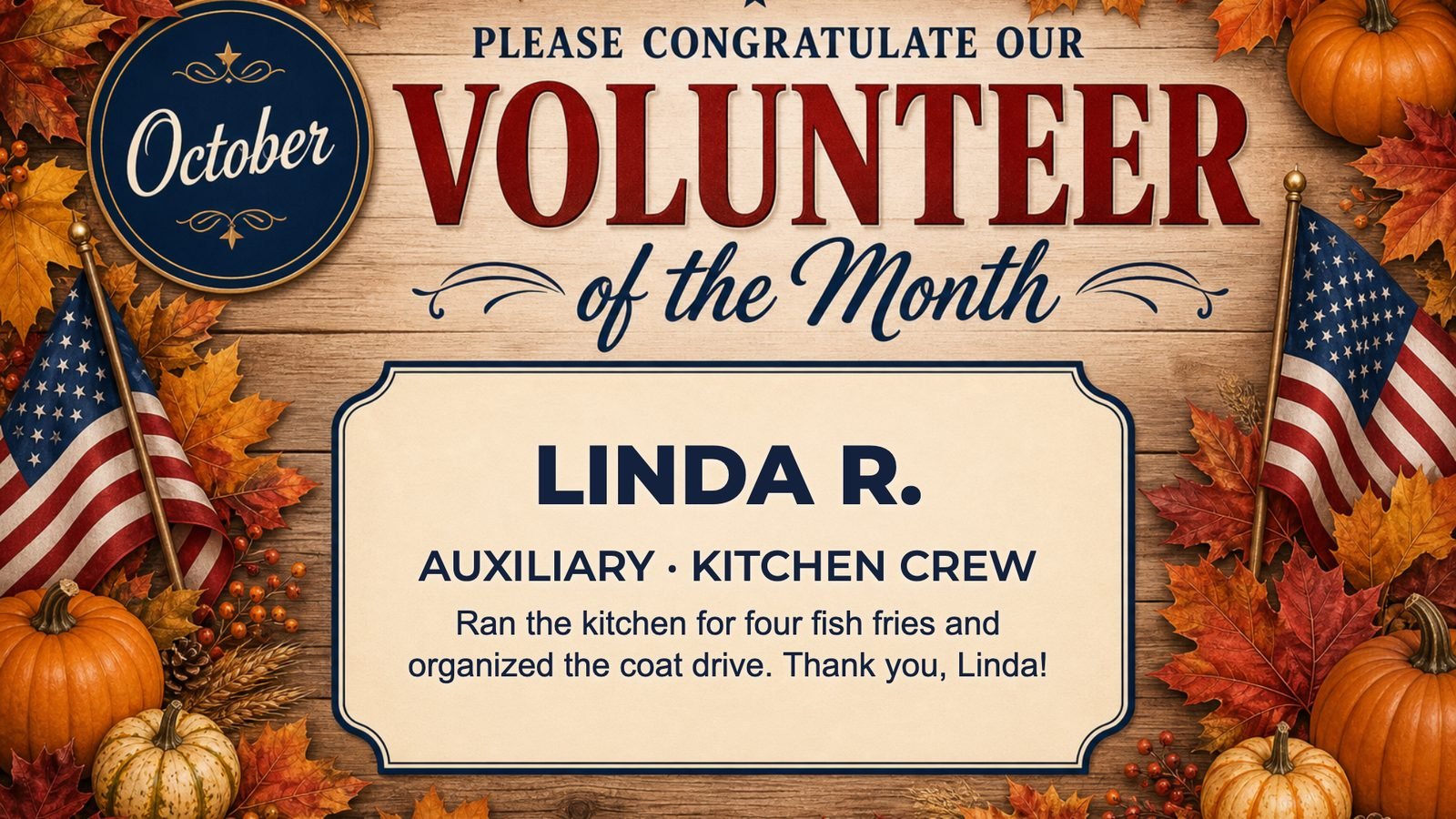
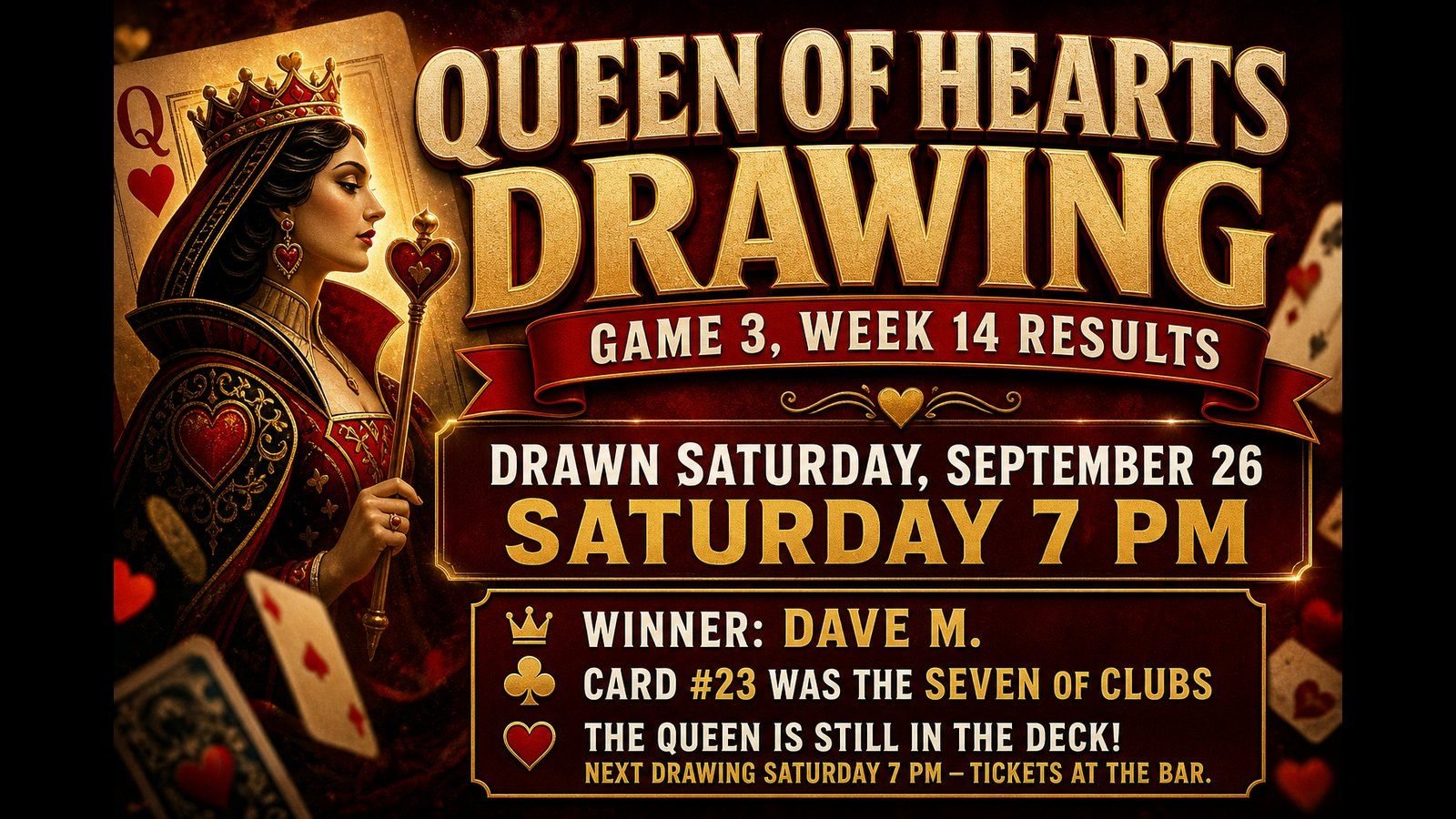
Queen of Hearts results, Volunteer of the Month, kitchen specials, band nights — each is a few questions, and the slide makes itself. Or snap a photo of the flyer.
Your volunteers fill in a short form.
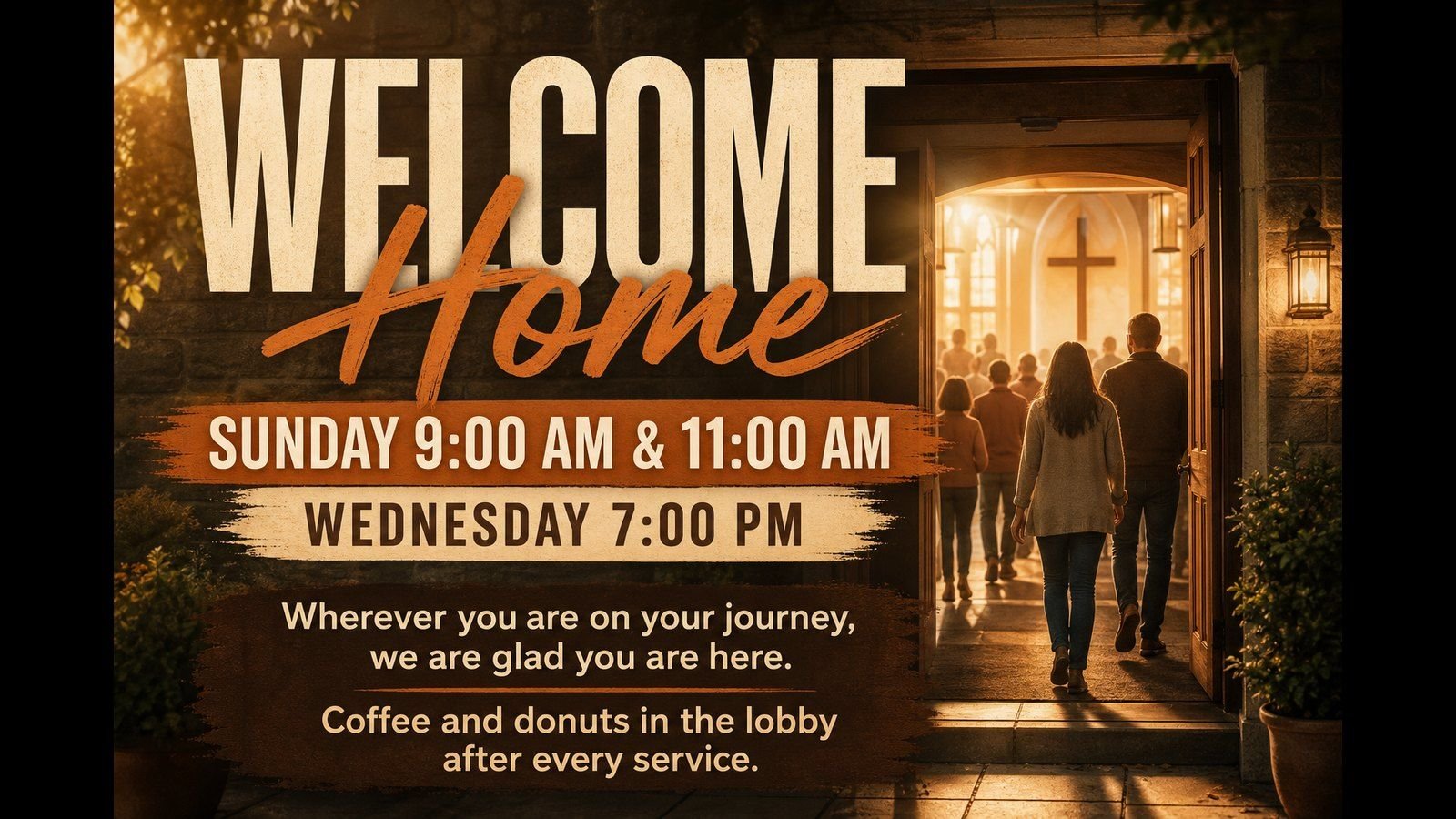
Service times, food drives, meetings and events each have their own few questions. Snap a photo of the bulletin flyer and it’s read for you.
See how →
🏠
Is it built for a place like mine?
A mode made for posts and lodges.
Your categories are already named the way you say them, and the Auxiliary, Sons, Riders and Honor Guard can each post their own news.
Every group gets its own corner.
Ministries and committees post their own news, countdowns build up to the big events, and a scrolling message bar carries tonight’s announcements.
See how →
✅
Who checks what goes up?
Your officers do.
Members send slides in, an officer approves them, and nothing goes up unchecked. The sender gets an email either way.
The office does.
Volunteers send slides in and the office approves them, so nothing goes up without a second look.
See how →
📺
What do I have to buy?
Probably nothing — and sponsors can cover the bill.
Use the TVs in the lounge with a $20 streaming stick. The Community plan for nonprofits is $49 a month for up to 5 TVs, and a few local sponsor slides can pay for it.
Probably nothing.
Use the TVs you already have with a $20 streaming stick or a web browser. Churches and nonprofits get the Community plan: $49 a month for up to 5 TVs.
See how →
📋
Can I prove it actually ran?
Yes — the proof your sponsors want. Pro
Every sponsor gets a monthly report proving their ad ran, emailed to them automatically.
Yes — for you and your sponsors. Pro
See what played and when, and send any sponsor a monthly report proving their slide ran.
See how →
🎨
Will it look like us?
Your crest, your emblems.
Add the post crest and each group’s emblem, upload your own artwork, and every slide lands its words in the right spot.
Your logo and your artwork.
Upload your own backgrounds and logo, and every slide your volunteers make matches.
See how →
 Slides to TV