Slides to TV
FOR CLINICS & HEALTHCARE

Training that sticks.
And proof it happened.

Shift changes, new hires, a procedure that changed last week — and a surveyor who wants to know how everyone was told. Slides to TV keeps your safety, infection-control and HR messages on the break-room and nurse-station TVs, reminds a manager to re-check each one, lets staff sign off from their phone, and keeps the record for you.

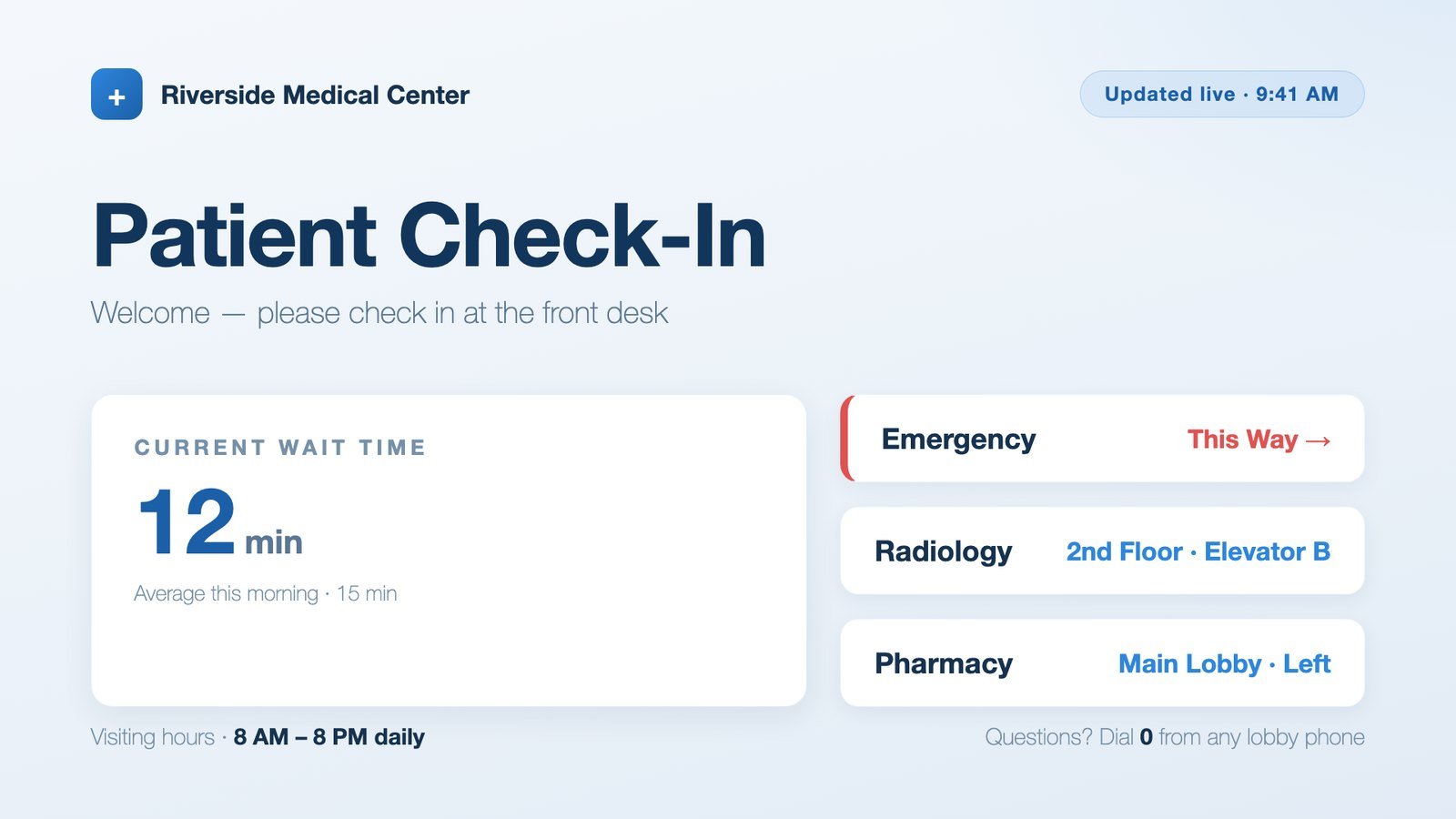
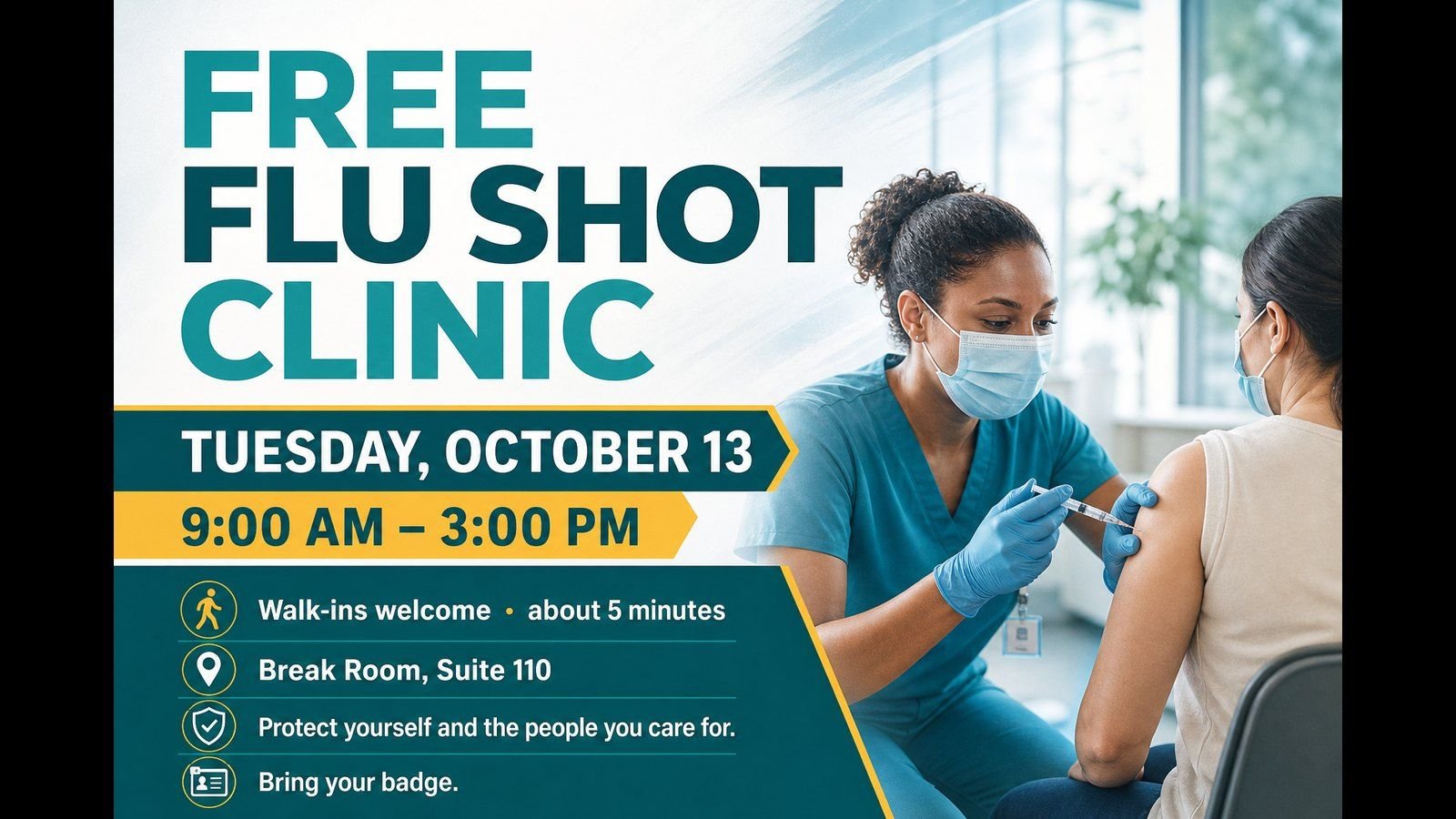
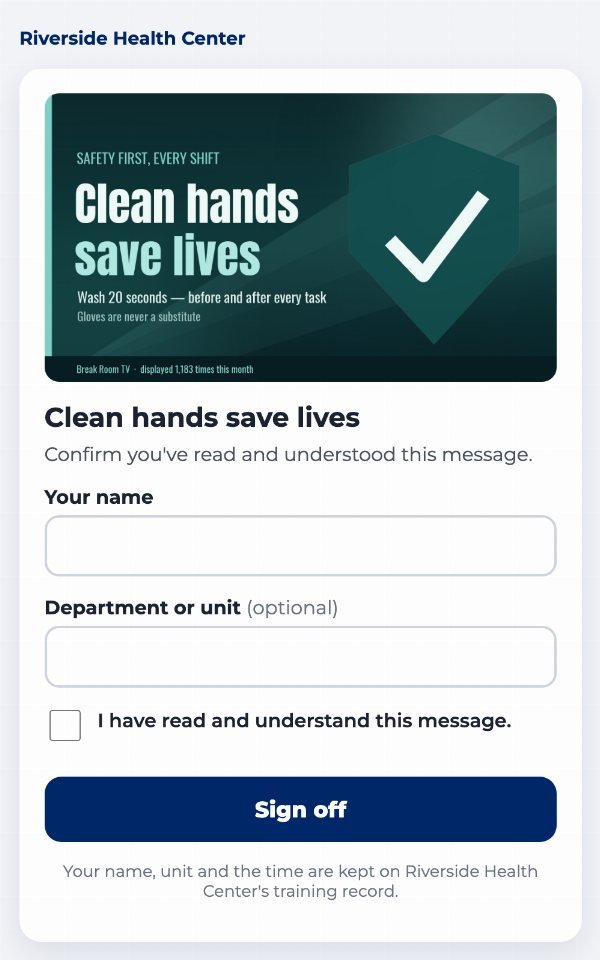
A hand-washing reminder for staff A patient check-in board with the current wait time A free flu shot clinic announcement
A staff member signing “I read this” from a phone
Waiting-room and break-room messages — and staff sign-offs from their own phones.
EVERY ROOM, ITS OWN MESSAGES

Staff reminders in the break room. Flu shots in the waiting room.

Put each TV in a group, and each group plays its own messages. Staff see staff reminders; patients and visitors see what's meant for them.

  • Break room & nurse station: hand hygiene, PPE order, sharps, the drill schedule, this month's policy.
  • Waiting room: flu-shot days, holiday hours, “sign up for the patient portal” with a QR code.
  • Type the message — or snap a photo of the poster you already have — and the slide is made for you.
  • Schedule it once: flu season runs October through February, by itself.
A free flu shot clinic announcement for the waiting room
“IS THIS STILL CORRECT?” CHECK-UPSPRO

An out-of-date procedure never sits on a screen.

Every 90 days — or on a date you pick — the app asks a manager to read each message and confirm it's still right. Nothing is checked automatically: a person looks, and the app writes down that they did.
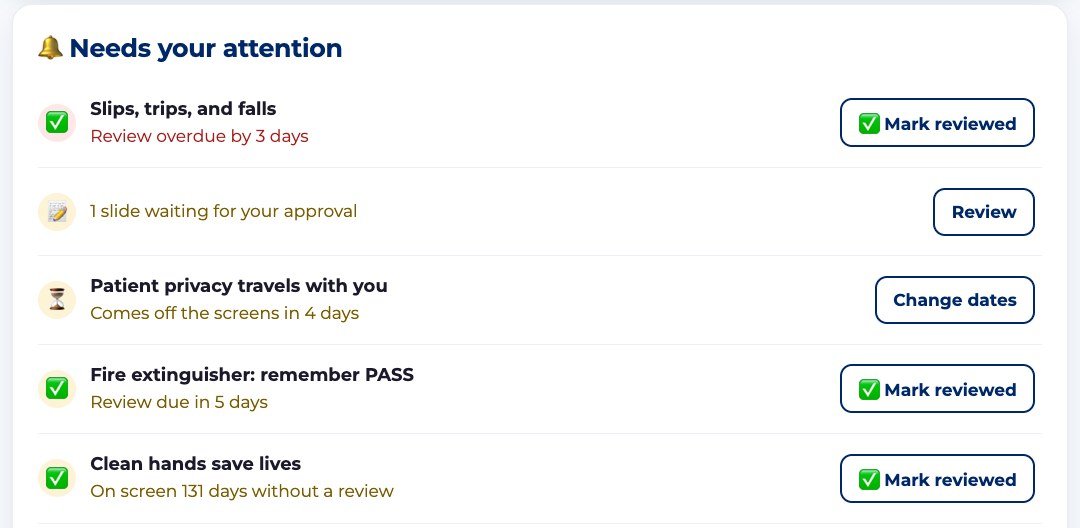
  • The manager's Home page shows what's due: “Review due in 5 days,” “Review overdue by 3 days.”
  • Still right? One tap on ✅ Mark reviewed — set for another 90 days. Wrong? Change it or take it down.
  • Every check-up is logged — who confirmed which message, and when — ready for the surveyor.
  • See how check-ups work, step by step →
Messages due or overdue for a check-up, each with a Mark reviewed button
“I READ THIS” SIGN-OFFSPRO

Know who saw it — not just that it ran.

For the messages everyone must read, add a sign-off QR code to the slide. Staff scan it from their own phone — no app, no login — type their name and unit, and tick “I have read and understand this message.”

  • Each sign-off is saved with the person's name and the time.
  • See how many signed each message, and download every name as a spreadsheet.
  • Perfect for a new procedure, an equipment change, or this year's annual policy acknowledgement.
  • See how sign-offs work, step by step →
A staff member signing off on a message from their phone
ONE PAGE FOR THE MANAGER

Open the app and see what needs you today.

The first thing a manager sees is what matters today — no digging through menus.
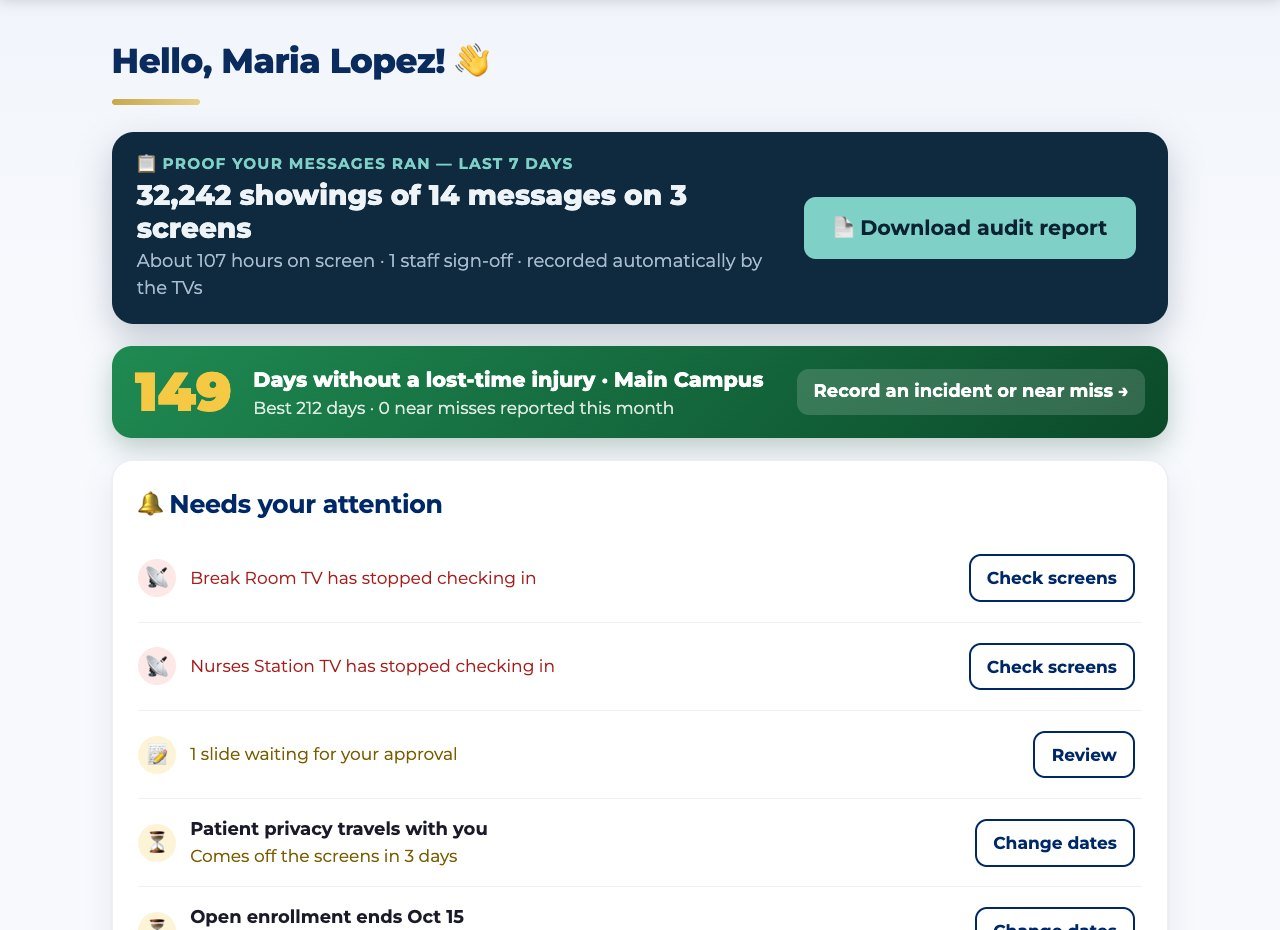
  • Proof for the last 7 days — how many times your messages were shown, with a one-tap audit PDF.
  • The safety scoreboard — “days without a lost-time injury” counts up on every TV by itself; staff can log a near miss.
  • Needs your attention — check-ups due, messages about to come down, TVs that stopped checking in, slides waiting for approval.
  • Approvals — staff can suggest a reminder; a manager checks it before it reaches a screen.
A clinic’s home page: proof the messages ran, the safety scoreboard, and what needs attention
PROOF FOR SURVEYS & INSPECTIONSPRO

“How were your staff told?” Print the month.

Each TV counts every showing of every message, every day — even while its internet was down. That becomes your record.
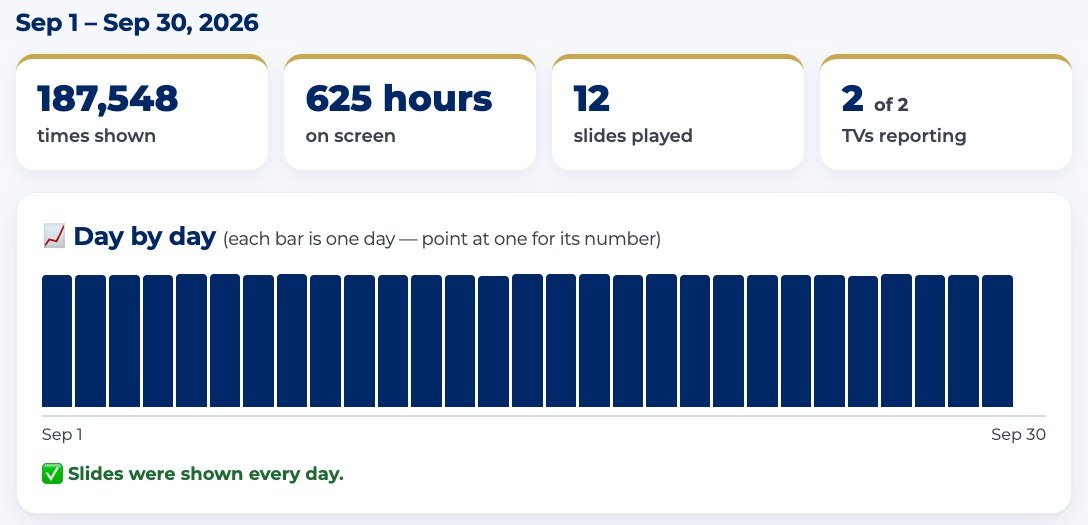
  • Pick the dates → a clean PDF report: what ran, how many times, on which TVs, and for how long.
  • Turn on the monthly email and last month's record files itself.
  • Sign-offs and check-ups are on the same page — the rest of the paper trail.
  • Locked approved wording keeps word-for-word notices exactly as they were approved.
The Reports page: times shown, hours on screen, and a day-by-day chart
STRAIGHT ANSWERS

The six questions every clinic asks. Answered.

Who’s going to make the slides?

You type it — it’s built for you.

Flu-shot days, hand-hygiene reminders, a new procedure: type the message and the slide is made in your colors, ready for a manager to approve.

See how →

Is it built for a place like mine?

Each TV plays its own messages.

Staff reminders in the break room, patient information in the waiting room — and a home page that shows what needs your attention.

See how →

Who checks what goes up?

A manager approves every message.

Nothing reaches a screen without sign-off, and approved wording can be locked so it can’t quietly change later Pro.

See how →

What do I have to buy?

Probably nothing.

Use the TVs you already have: plug in a $20 streaming stick or open a web browser on a smart TV. One price for your whole business, every location included.

See how →

Can I prove it actually ran?

Yes — and who read it. Pro

One click shows what ran where. Staff can scan a QR code on the TV and sign “I read this” from their own phone.

See how →

Will it look like us?

Yes — it’s your brand, not ours.

Your colors, logo and artwork. Upload a background, mark where the words go, and every slide lands there. Our name never appears on your slides.

See how →

Bring one procedure to the demo.

In a 15-minute demo we'll turn it into a slide, put it on a screen, add a sign-off code, and show you the report.

Tools marked PRO are part of the Pro plan. A display record shows your messages ran — it supplements a required training program, it doesn't replace one. The TVs are for staff and visitor messages; keep patient information off the screens.